Learn Languages with the LanGeek Mobile App
Learn English, Spanish, French, and German through structured vocabulary lessons, visual dictionary entries, grammar guides, pronunciation content, reading practice, expressions, quizzes, and powerful tools designed for long-term learning.
One account keeps your learning progress synchronized across the app and website.
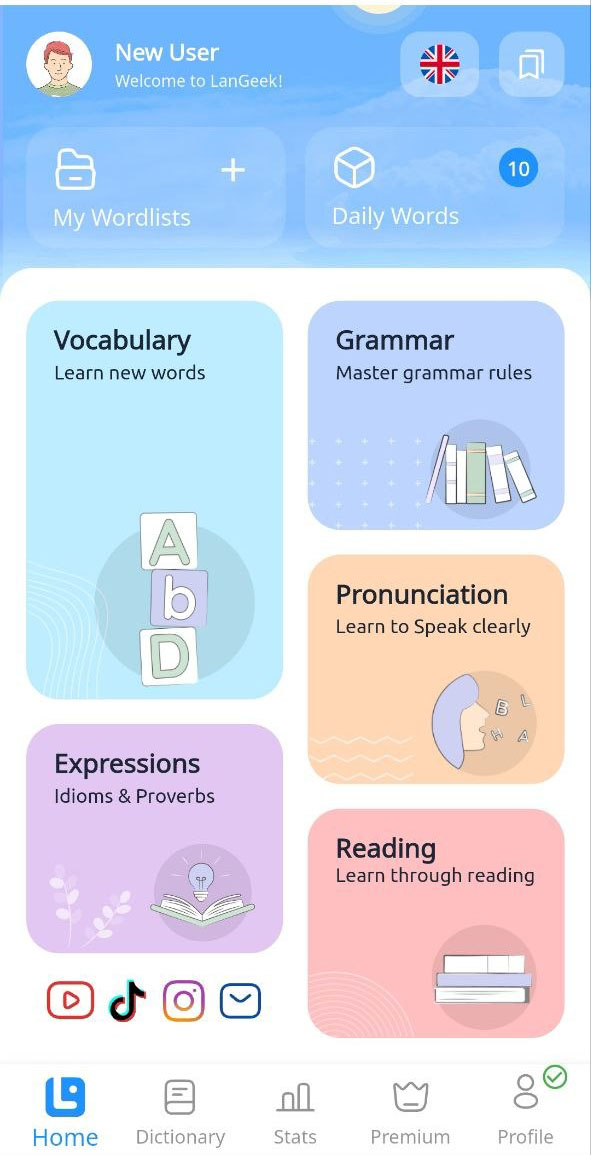
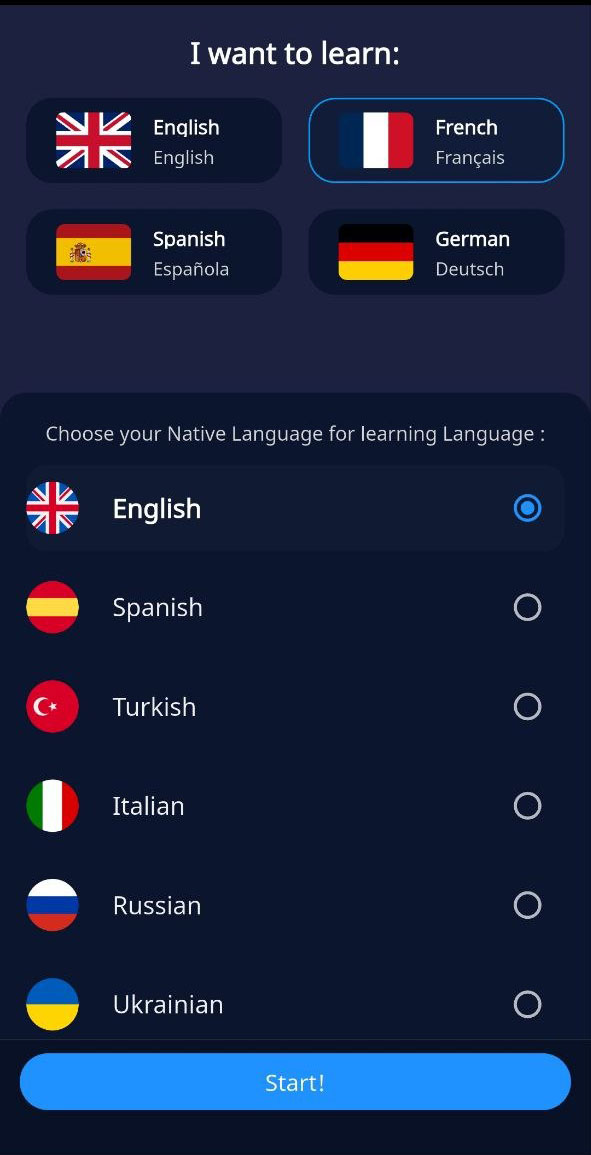
A Connected Language-Learning Platform in Your Pocket
LanGeek brings its learning libraries and study tools together in one mobile experience. You can discover new material, understand it through definitions and visual support, practice it actively, save what matters, and return to difficult vocabulary over time.
Structured learning
Follow organized lessons by level, topic, function, exam, coursebook, or personal goal.
Visual understanding
Connect words to definitions, translations, custom images, examples, audio, and grammar.
Active practice
Move from review to recall, spelling, pronunciation, word forms, quizzes, and spaced repetition.
Learning everywhere
Continue across mobile and web, download supported vocabulary lessons, and study on your schedule.
Everything You Need to Build Real Language Skills
Each content area is connected to LanGeek’s dictionary information, learning activities, bookmarks, progress, and personalization tools.
Vocabulary
Study words by CEFR level, topic, frequency, function, exam, coursebook, and community list.
Explore vocabulary → 02 { }Grammar
Learn sentence structure, word classes, tenses, forms, usage, spelling, and punctuation.
Explore grammar → 03 “ ”Expressions
Understand idioms, phrasal verbs, collocations, proverbs, slang, and natural usage.
Explore expressions → 04 /æ/Pronunciation
Study sounds, alphabets, IPA, stress, intonation, spelling patterns, and regional accents.
Explore pronunciation → 05 ¶Reading
Read level-based and topic-based passages with audio, key vocabulary, lookup tools, and questions.
Explore reading → 06 ▧Picture Dictionary
Explore detailed word entries with custom illustrations, meanings, audio, examples, and related forms.
Explore the dictionary →Choose a Learning Path That Matches Your Level and Purpose
LanGeek does not present vocabulary as one endless list. The app organizes words into clear learning paths for beginners, advanced learners, test takers, students, teachers, and anyone building subject-specific vocabulary.
Read the Vocabulary Library guide →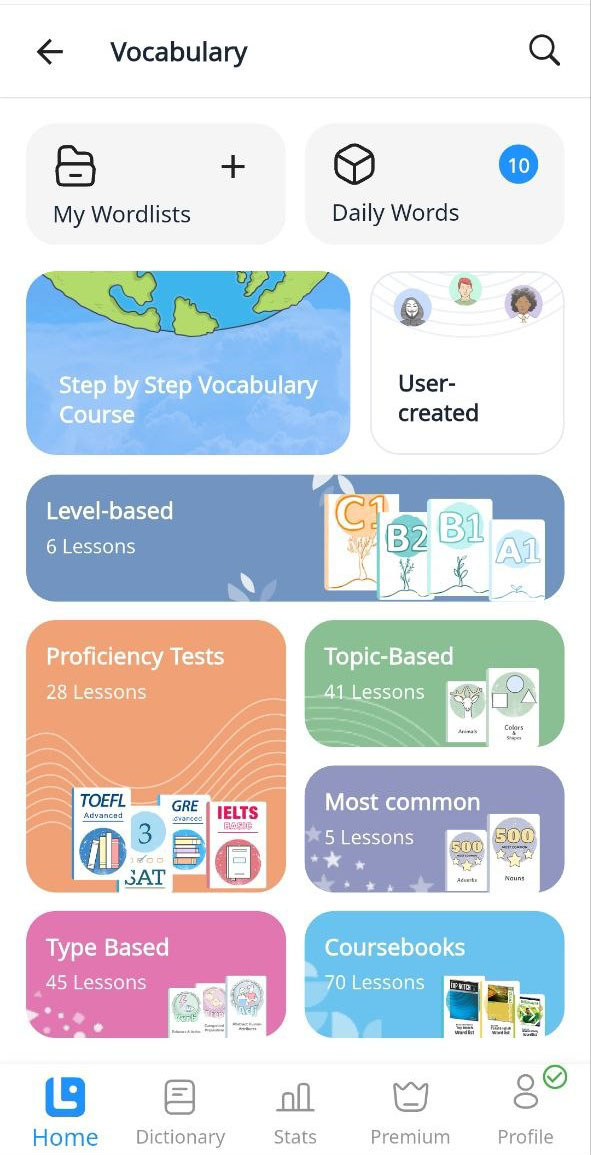
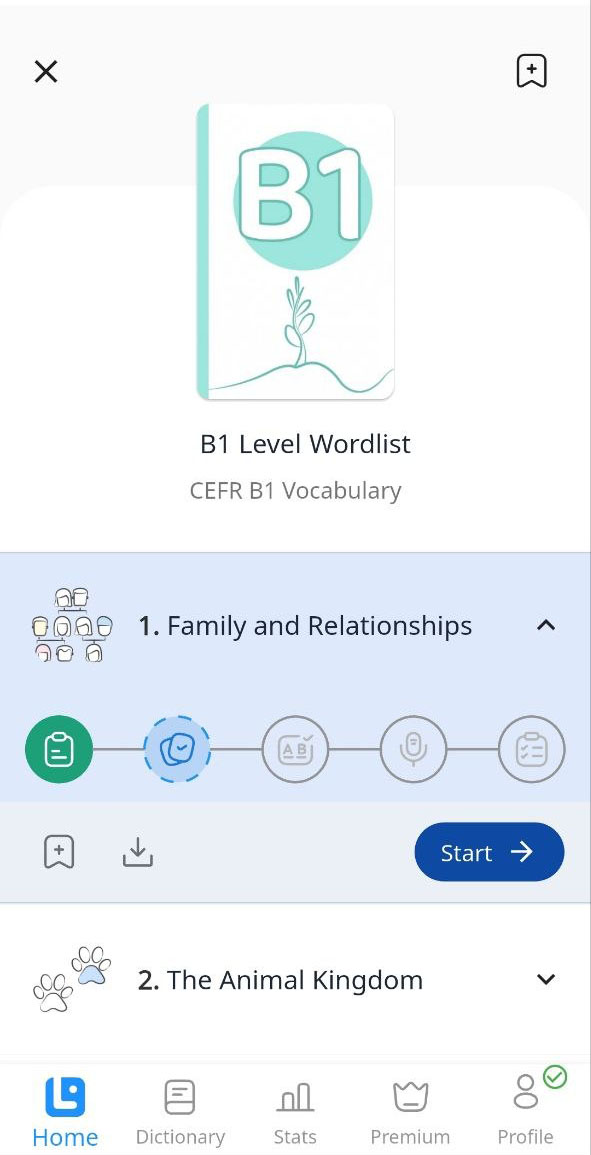
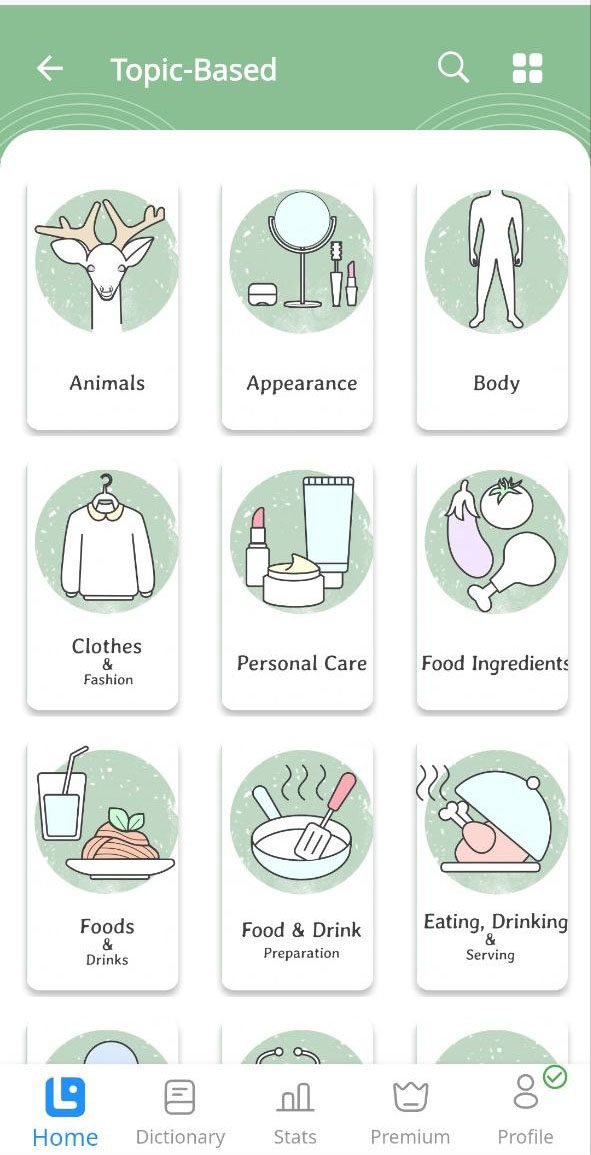


Swipe or scroll horizontally to explore the app screens.
Understand, Recall, Write, Speak, Transform, and Test
Every activity develops a different part of vocabulary knowledge while using the same wordlists and learning progress. Use the steps in order or choose the skill you need to strengthen.
Vocabulary Review
Learn each word through its meaning, translation, image, pronunciation, spelling, grammar, and use in context.
- Definitions and translations
- Images and examples
- Audio, IPA, and usage details

Flashcards
Test active recall before revealing the meaning, image, translation, and examples.
- Word-first mode
- Meaning-first mode on mobile
- Correct and incorrect self-assessment
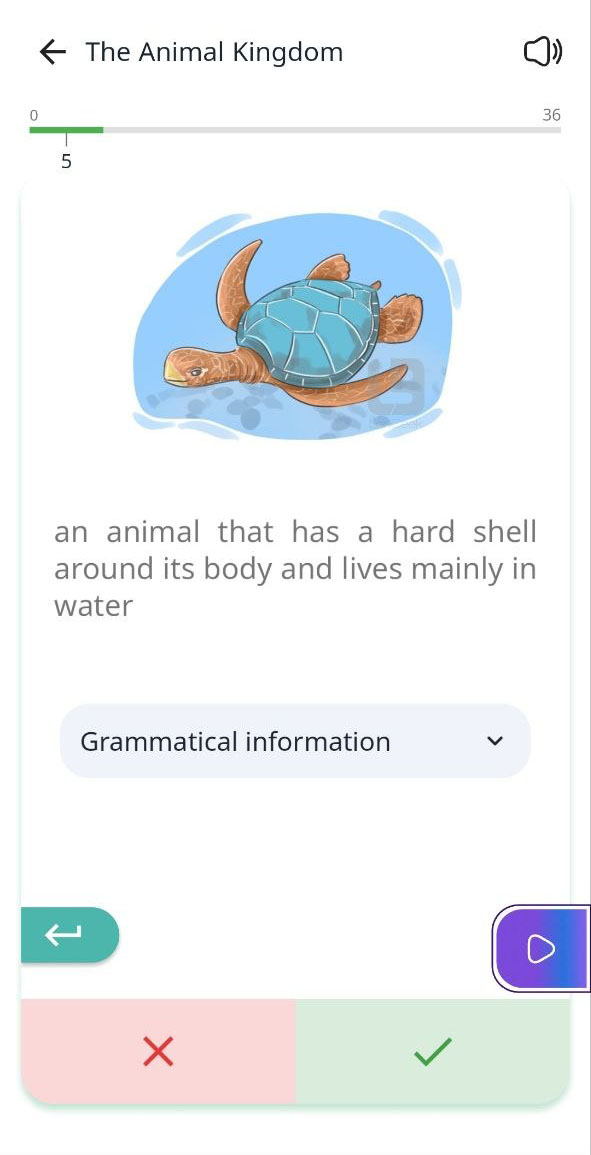
Spelling Exercise
Produce the written form from the word’s meaning, image, translation, context, and audio pronunciation.
- Typed spelling practice
- Two levels of hints
- Immediate correction

Pronunciation Exercise
Record yourself, replay your voice, hear the reference pronunciation, and compare both versions.
- Voice recording and playback
- Reference pronunciation
- IPA and PhonoMap support

Learn Word Forms and Check What You Know
The Word Forms Exercise covers grammatical changes such as plurals, gender, verb forms, auxiliaries, comparatives, and superlatives where relevant. The Word Quiz then evaluates meaning and spelling and provides a score, grade, and detailed review of difficult words.


Go Beyond a Simple Translation
LanGeek connects dictionary information directly to vocabulary lessons, examples, expressions, reading passages, and study tools so learners can investigate a word without breaking their learning flow.
Discover the Picture Dictionary →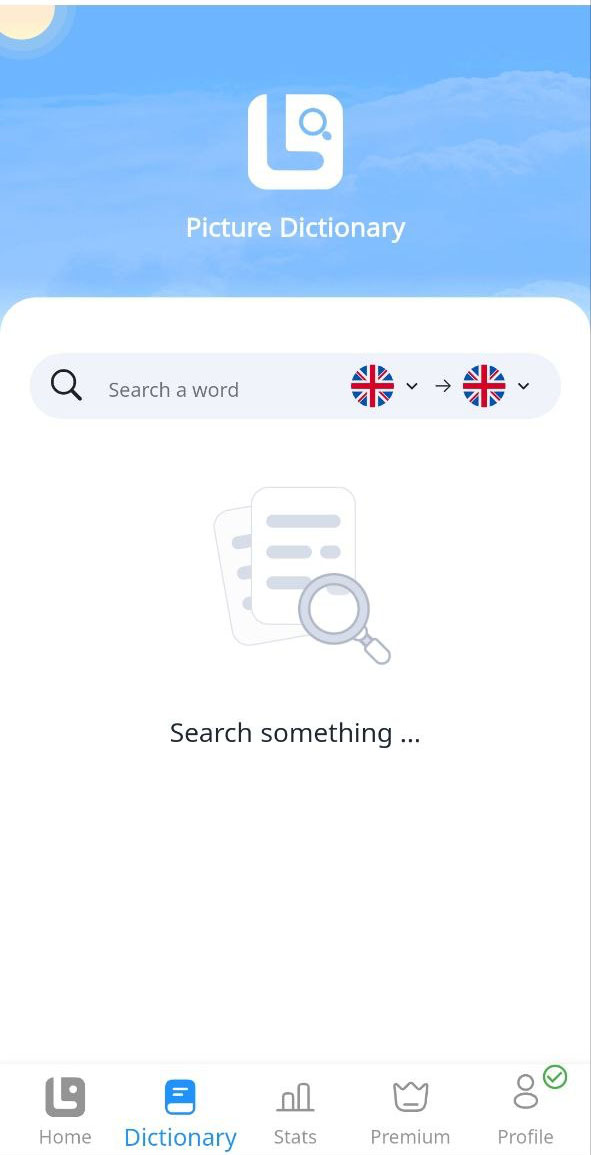
Rich word entries
View meanings, translations, custom images, examples, pronunciation, grammar, descriptions, usage labels, and related words.
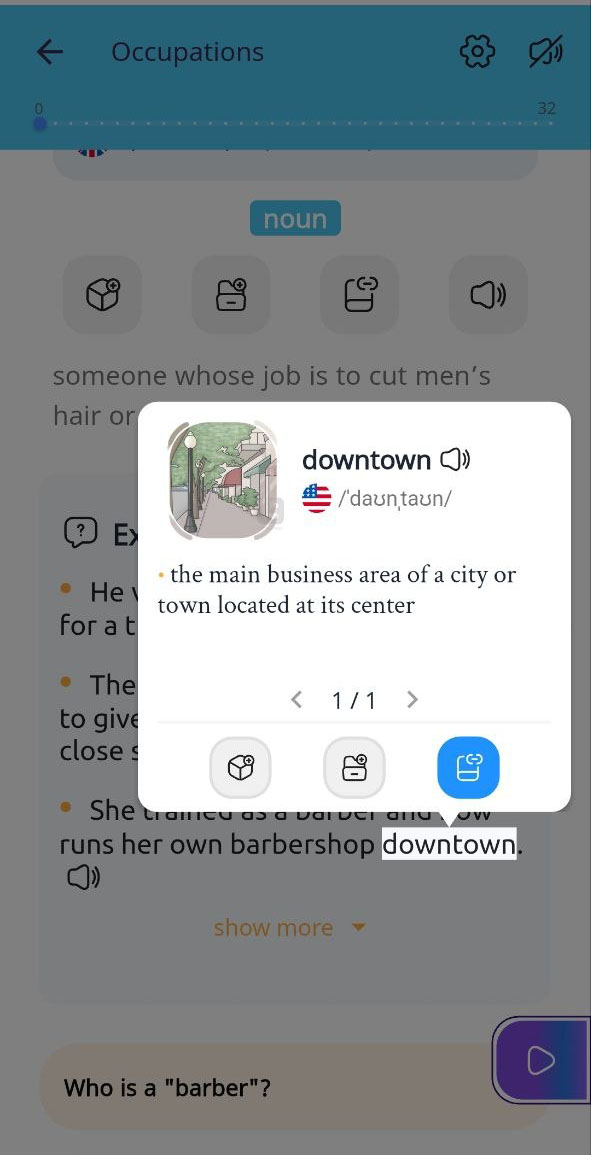
Tap words without leaving the page
Open definitions, translations, images, audio, examples, grammatical information, and saving options from supported learning content.
Learn about Smart Lookup →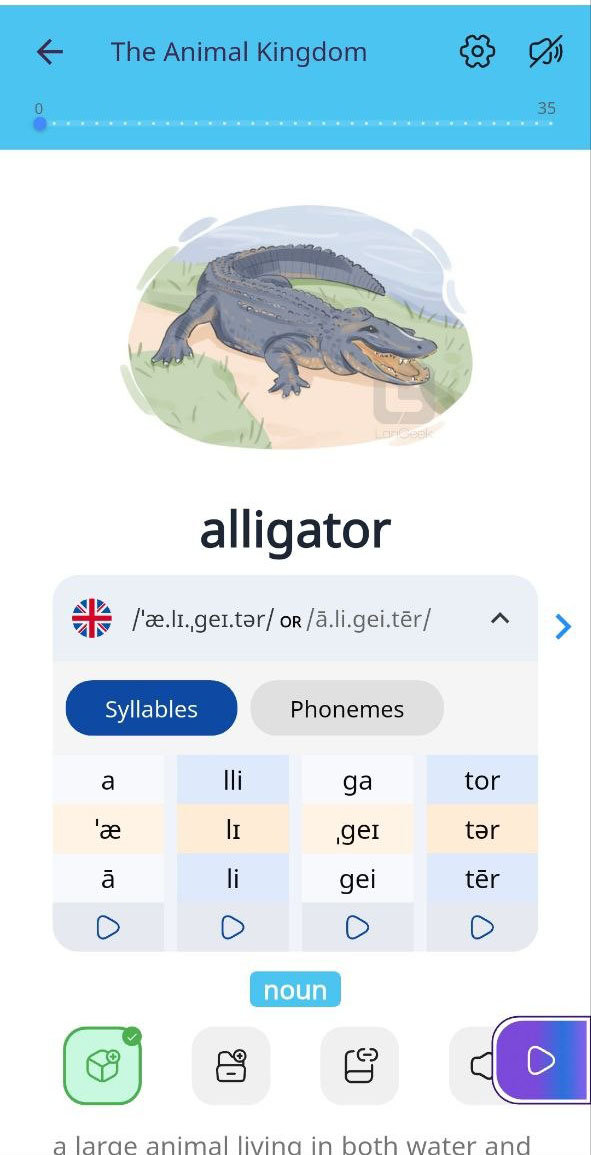
See how spelling connects to sound
Examine letter-to-sound mapping, IPA, syllables, stress, multigraphs, and difficult or irregular pronunciation patterns.
Learn about PhonoMap →Grammar Lessons, Interactive Quizzes, and Guided Reading
Study how the language works, check your understanding, and then see vocabulary and grammar operating together inside level-based and topic-based reading passages.
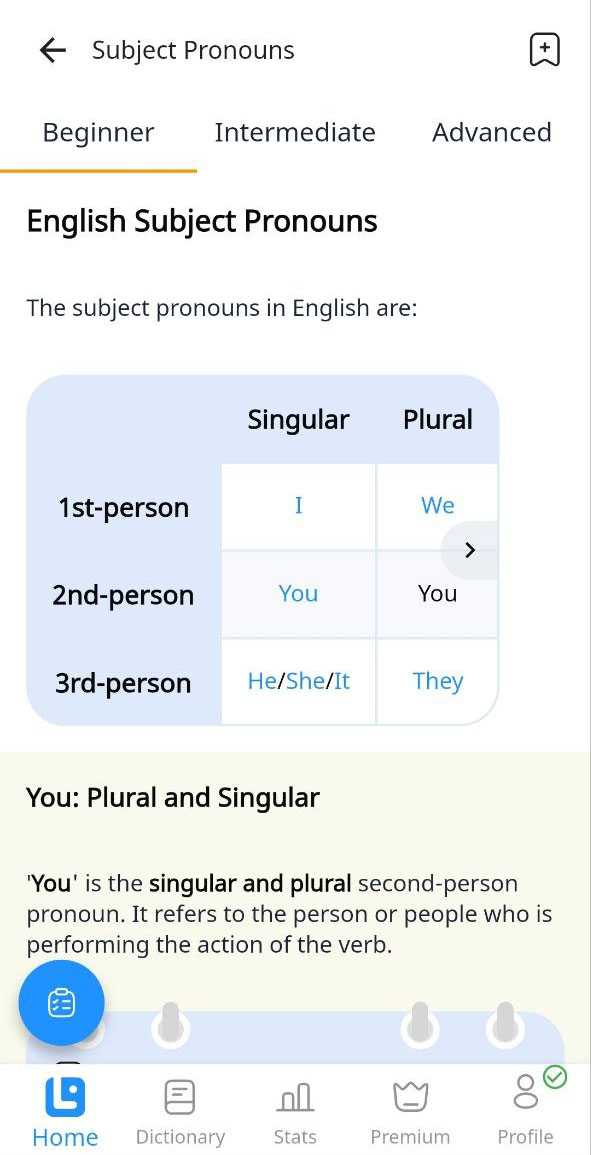
Clear explanations at the right level
Browse organized categories, read learner-friendly lessons, study examples, use grammar FAQs, and complete interactive quizzes with detailed answer review.



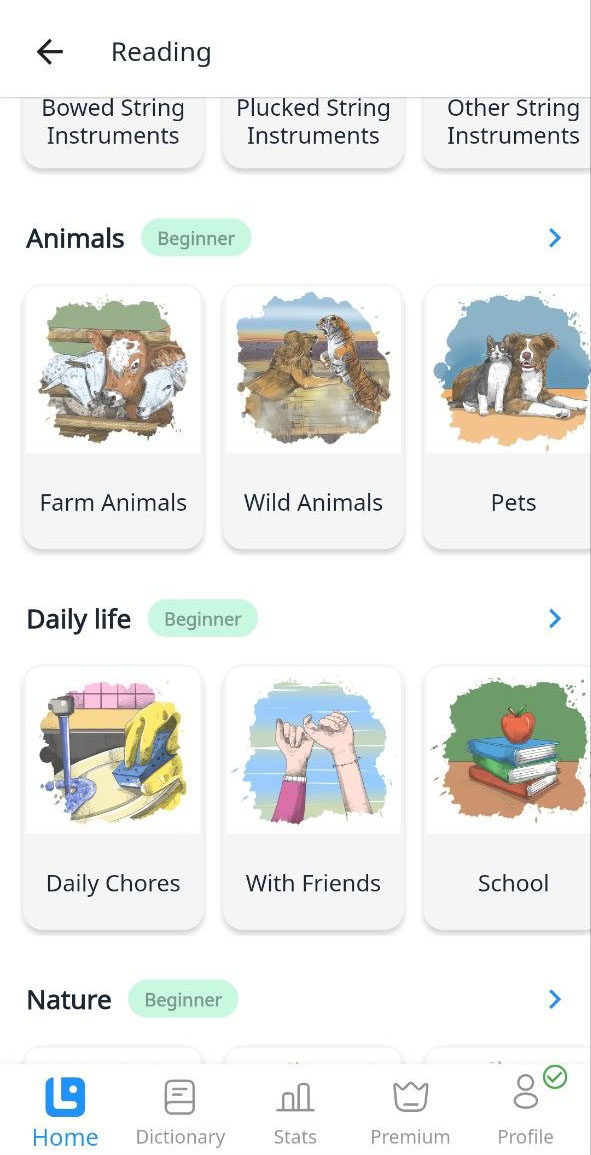
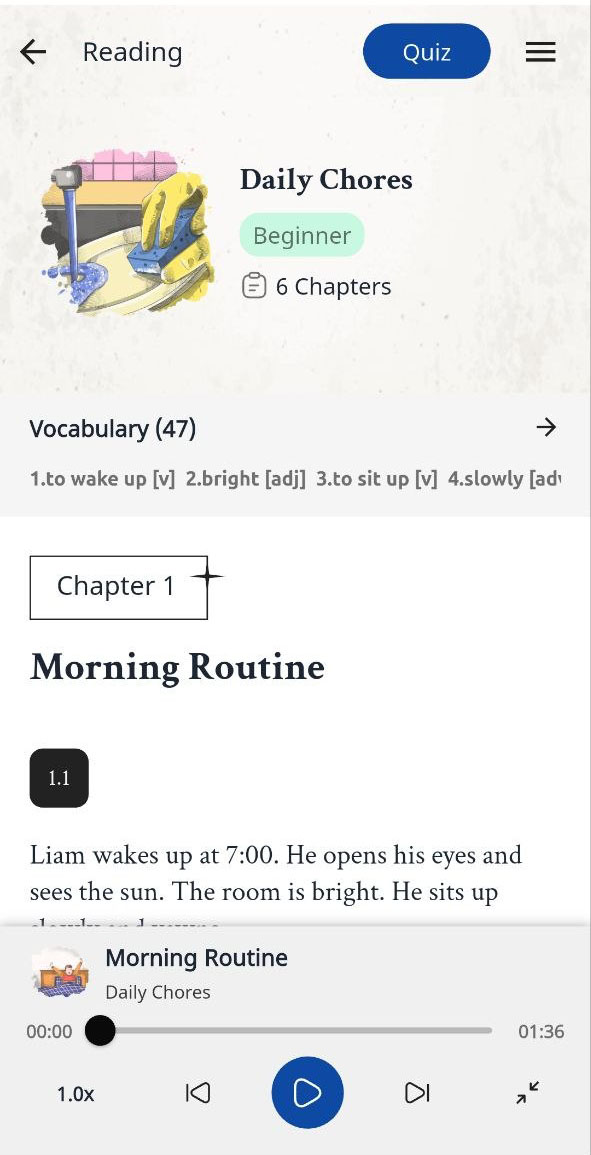
Practice comprehension in context
Read graded passages, listen where audio is available, explore key vocabulary, tap unfamiliar words, and complete comprehension activities.
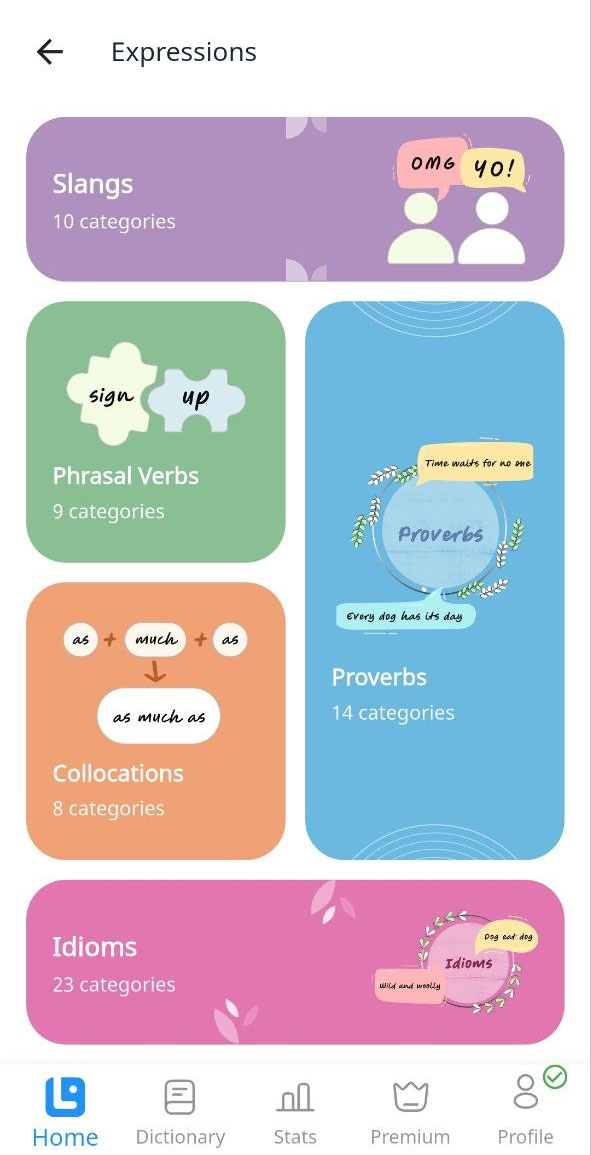
Understand Idioms, Phrasal Verbs, Collocations, Proverbs, and Slang
The Expressions Library explains complete phrases rather than translating each word separately. Entries can include meaning, translation, examples, audio, images, usage information, detailed descriptions, and connected learning activities.
Save, Organize, Track, and Revisit What Matters to You
Build custom collections for a course, exam, book, topic, or personal objective. Connect difficult vocabulary to long-term review and keep your saved materials available across devices.
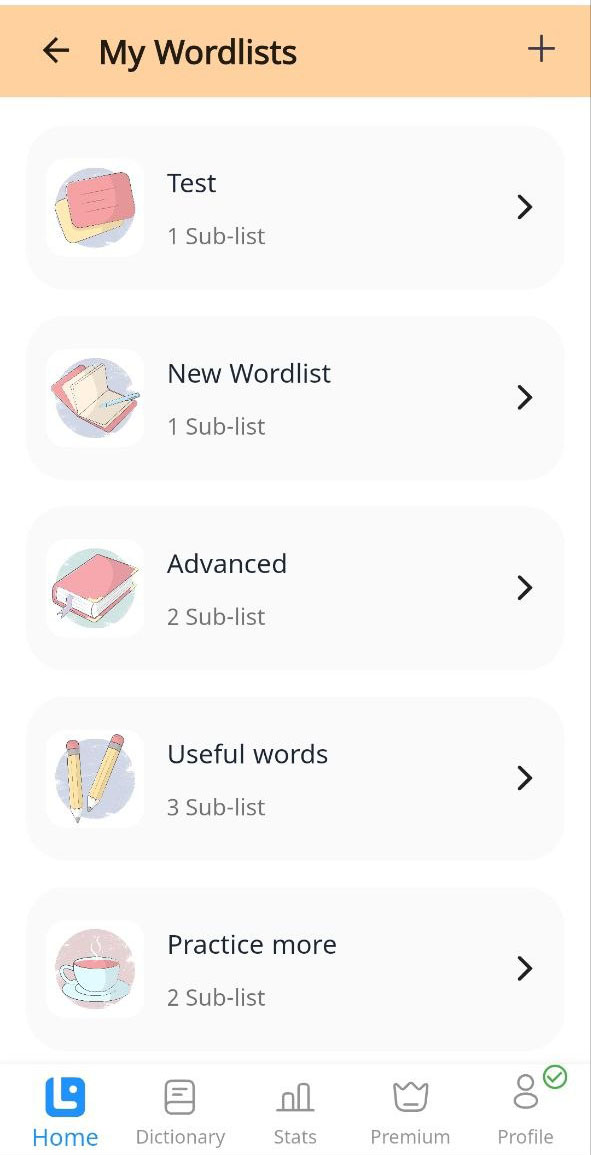
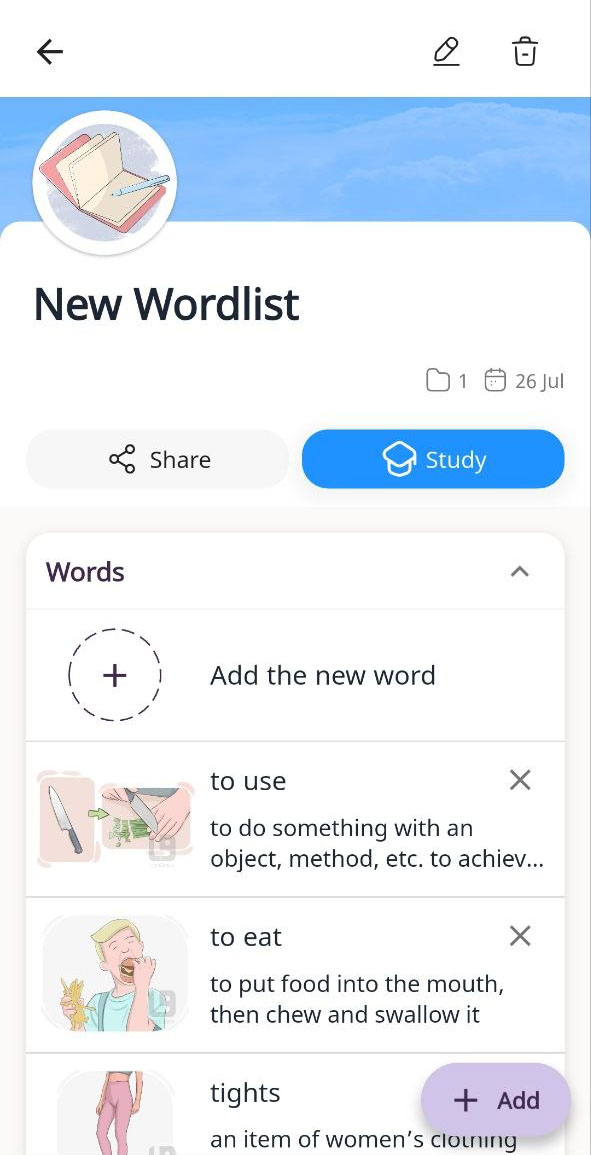
Personal Wordlists
Create lists and subcategories, add words and expressions, and study them with LanGeek’s learning activities.
Daily Words
Use a Leitner-style spaced-repetition system with standard, reversed, and spelling review modes.
Word Tracker
Recognize vocabulary you are actively learning when it appears again across supported content.
Bookmarks
Save categories, lessons, wordlists, and other useful learning materials for quick access.
Sharing and Public Lists
Publish lists, share them by link, explore community collections, and bookmark useful public lists.
Stats and Achievements
Track study time, learning activity, streaks, progress, achievements, and other motivational milestones.
Mobile-Exclusive and Mobile-Optimized Features
The app includes tools that use your phone’s microphone, audio system, and local storage, alongside a compact interface built for short or extended study sessions.
Pronunciation recording
Record your voice, replay it, hear the reference pronunciation, compare, and repeat.
App exclusiveOffline Mode
Download supported vocabulary wordlists with images, examples, translations, exercises, and audio support.
Premium · App exclusiveHands-Free Mode
Listen to words, meanings, translations, and examples with configurable playback and repetition.
App featureAccent preferences
Select supported pronunciation varieties for English, Spanish, French, and German.
Saved to your accountNative-language support
Use translations and example translations to connect new language content with what you already know.
26 translation languagesLight and Dark Mode
Choose the display appearance that is more comfortable for your environment and study routine.
Display preferenceLanGeek App Feature Directory
Open the detailed Help Center guide for any content area or learning feature.
Learn and practice
Vocabulary Review Flashcards Spelling Exercise Pronunciation Exercise Word Forms Exercise Word Quiz Daily WordsWord information
Definitions & Translations Word Images Word Examples Word Descriptions Word Family Tree PhonoMap Pronunciation AccentsPersonalize learning
Personal Wordlists Bookmarks Wordlist Sharing Word Tracker User Stats Translation Coverage Offline ModeContent libraries
Vocabulary Grammar Expressions Pronunciation Reading Picture Dictionary Smart LookupWhat Learners Say About the App
Real reviews published in the LanGeek Help Center review archive.
★★★★★“The best app I have used to learn English.”
★★★★★“This is the best app for learning languages!”
★★★★★“Very good application!”
LanGeek Mobile App FAQs
Quick answers about languages, pricing, synchronization, offline access, and supported devices.
Which languages can I learn with the LanGeek app?
The app supports learning English, Spanish, French, and German. Available content varies by language, with English currently offering the largest collection.
Does the app include the same content as the LanGeek website?
The app brings LanGeek’s vocabulary, grammar, pronunciation, reading, expressions, dictionary content, quizzes, saved materials, and connected learning tools into a mobile interface. Some mobile features, such as pronunciation recording and offline vocabulary study, are app-specific.
Is the LanGeek app free?
The app can be downloaded and used for free. Free access includes extensive learning and reference content, while a Premium subscription unlocks additional exercises, reading access, personal wordlists, offline learning, and other Premium features.
Can I use LanGeek without an internet connection?
Premium users can download supported vocabulary wordlists for offline study. Offline availability currently focuses on wordlist-based learning and does not include every content section.
Does my progress sync between the app and website?
Yes. When you sign in with the same account, supported progress, wordlists, Daily Words, bookmarks, achievements, statistics, and subscription access synchronize between platforms.
Where can I download the LanGeek app?
LanGeek is available for Android through Google Play and for iPhone and iPad through Apple’s App Store.
Build a Complete Language-Learning Routine with LanGeek
Explore structured content, understand words deeply, practice actively, create your own learning lists, and keep your progress connected across mobile and web.